Chat AI in Browser
Leading the UX/UI design for Al features across Opera browsers. Responsible for both functionality and visual design in Opera One, and for functionality in Opera GX and Opera Air. Developing a unified design system for Al features to ensure seamless product development across all three browsers.
UI/UX
DESIGN SYSTEM
MICROINTERACTIONS
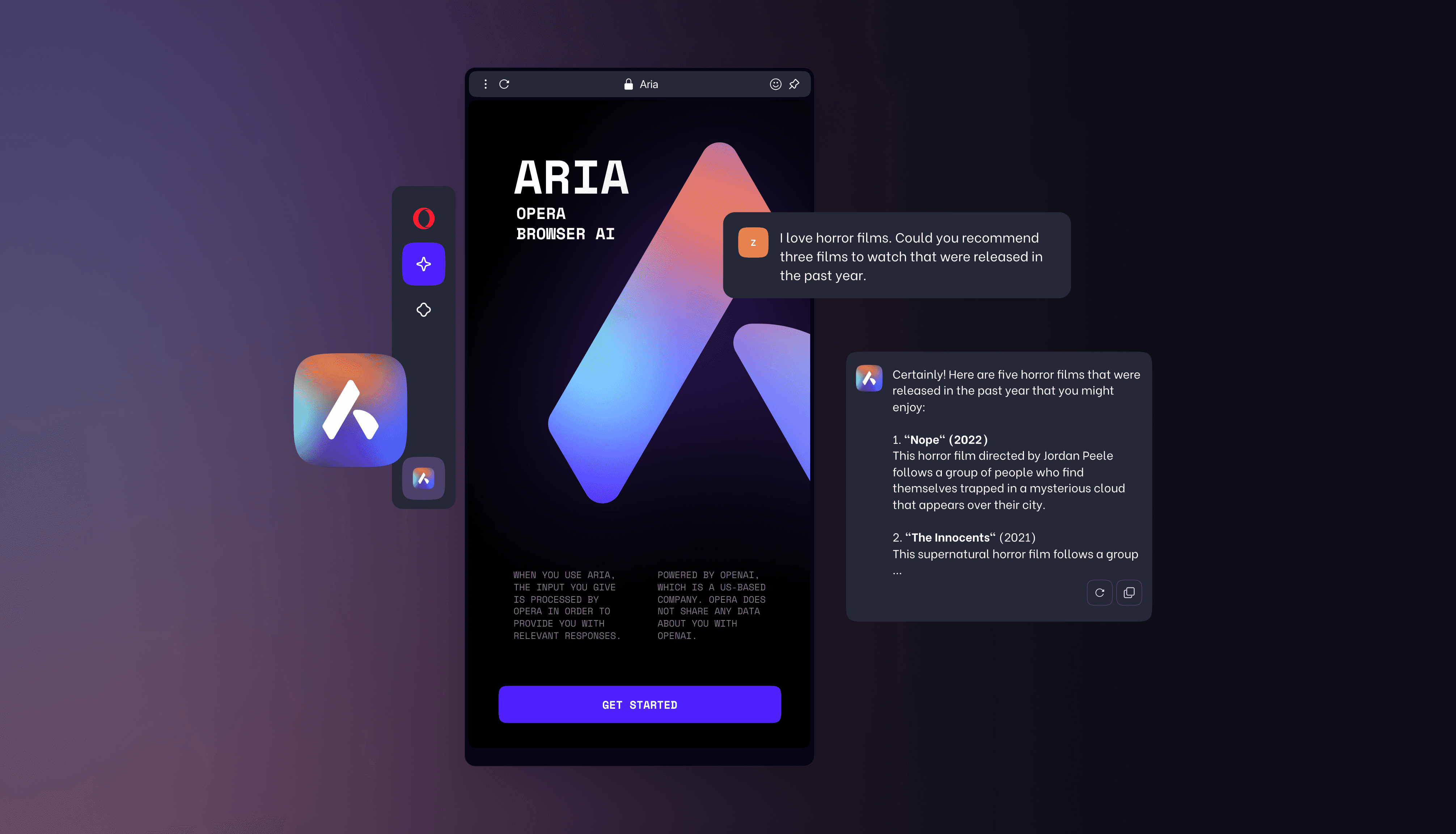
Problem
Users browse pages to read, research, buy, learn, and act. The problem statement: How can we surface helpful AI capabilities directly inside the browser at the moment the user needs them — without breaking flow, leaking private data.
Solution
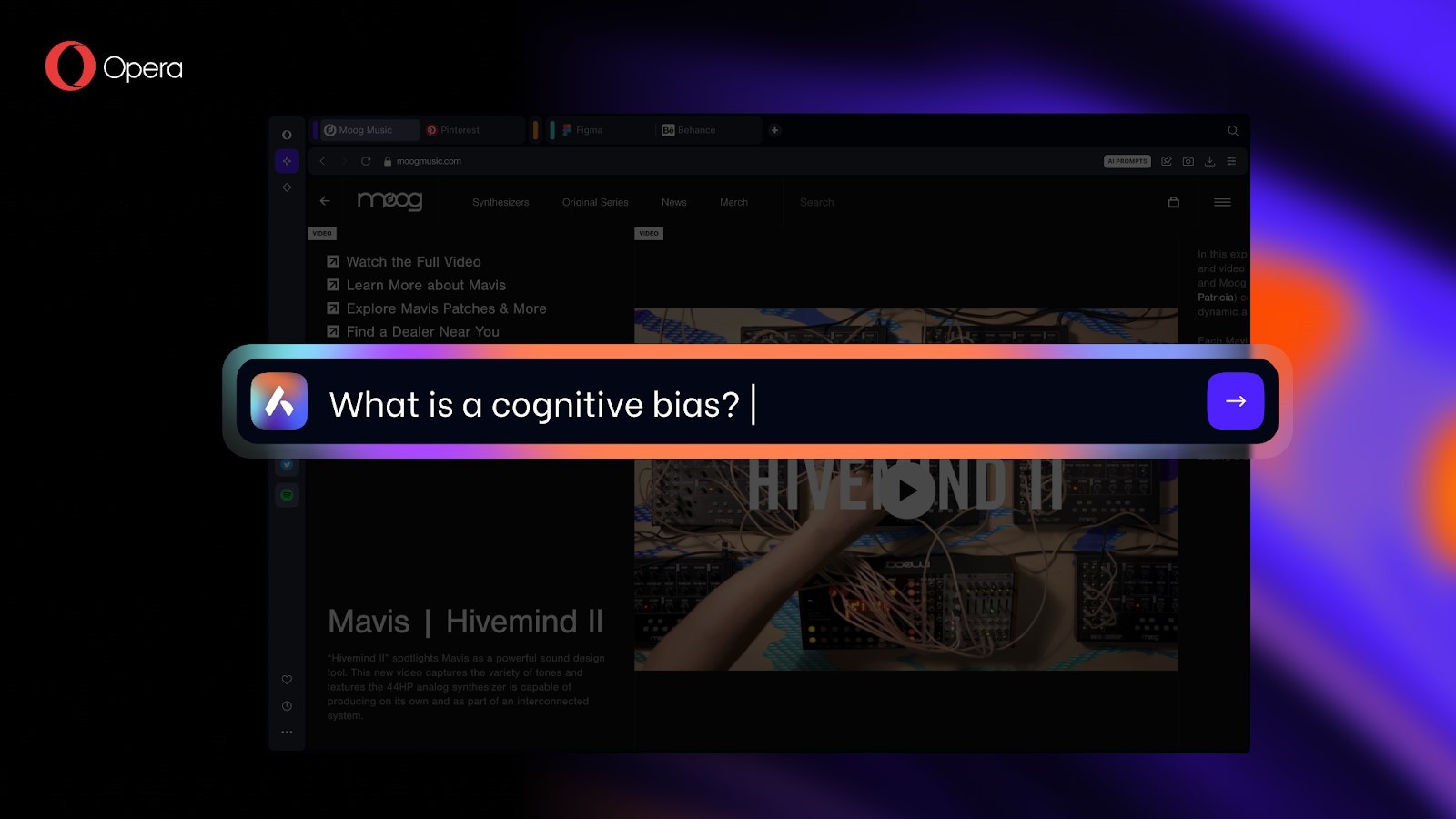
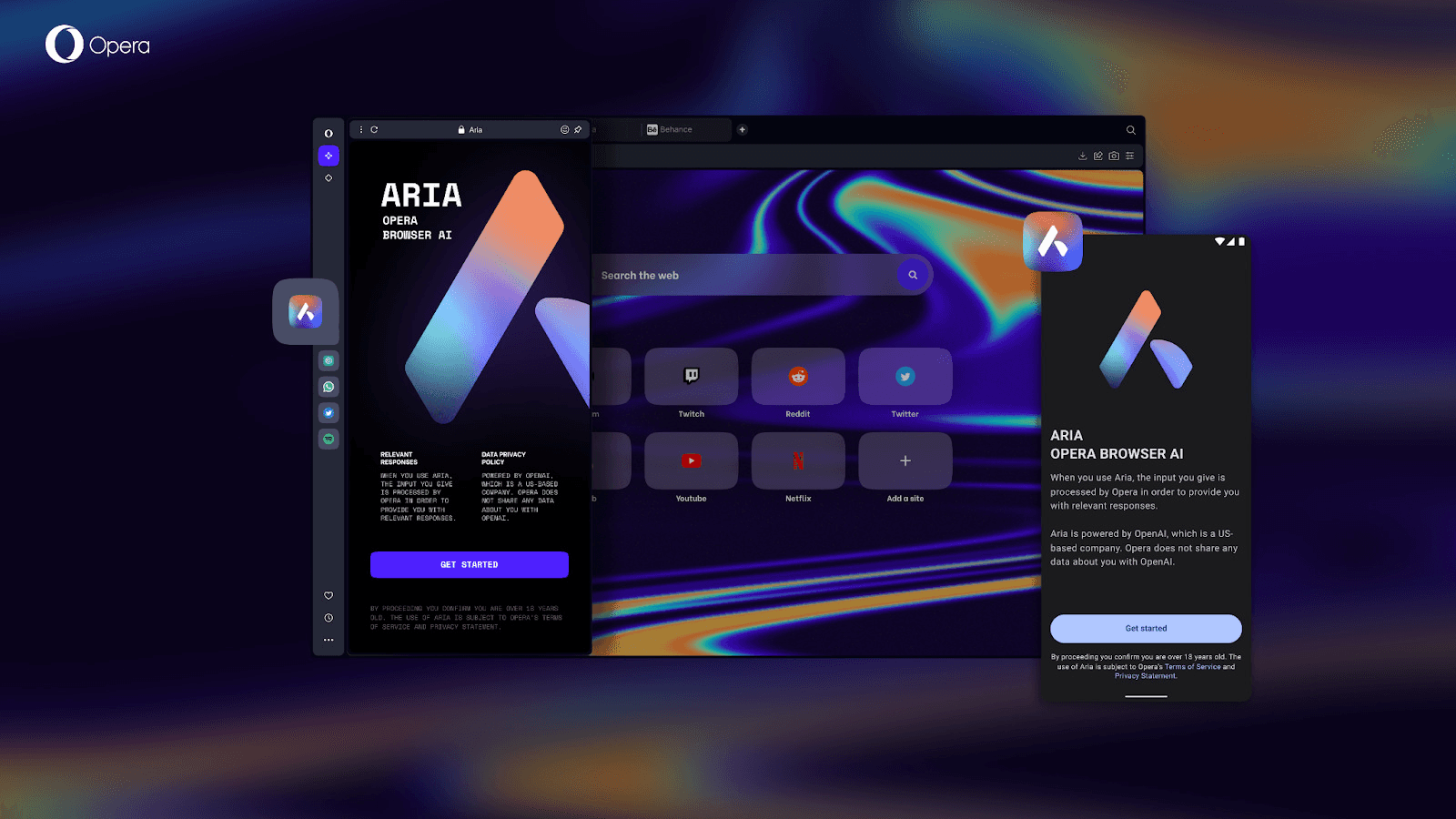
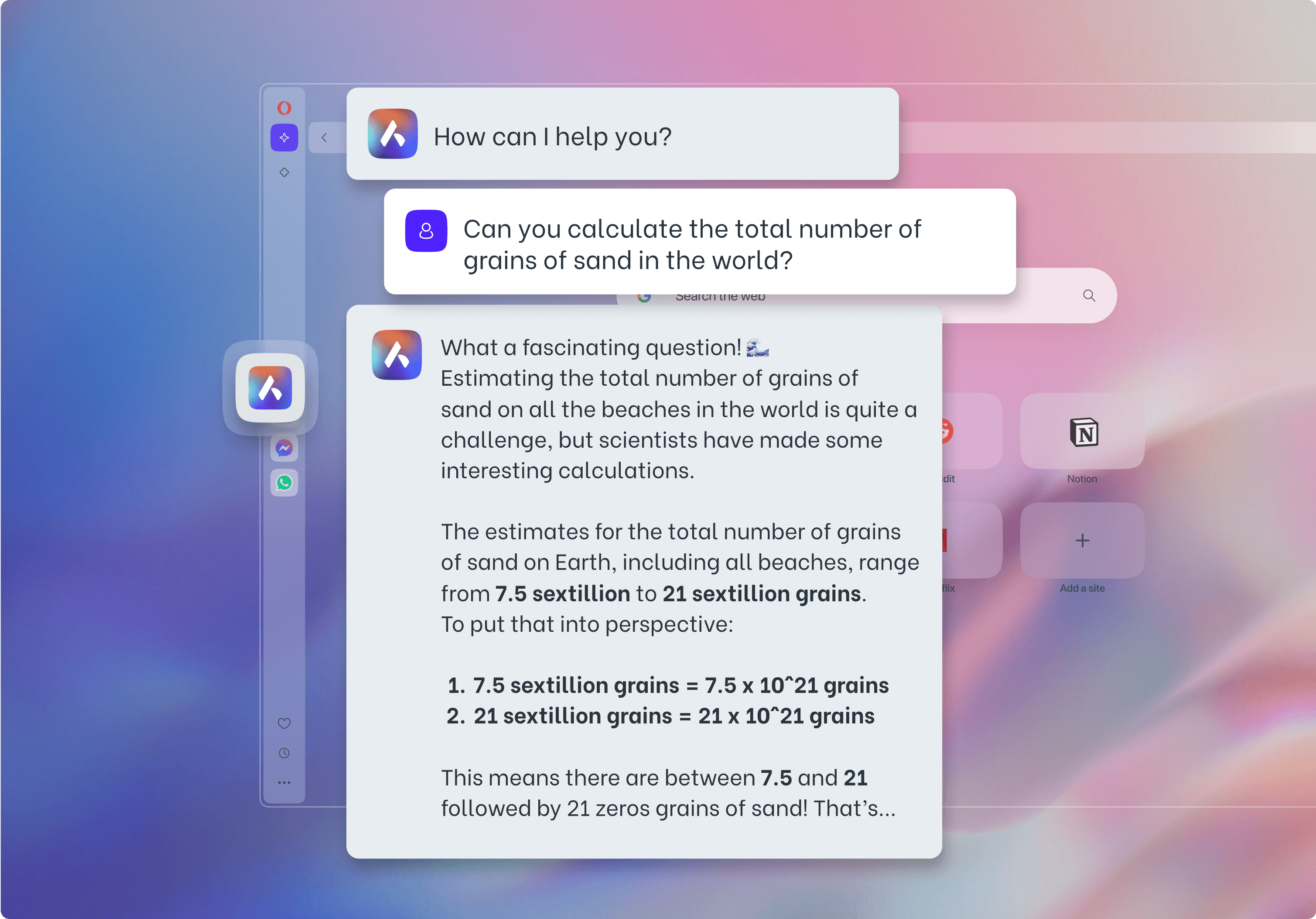
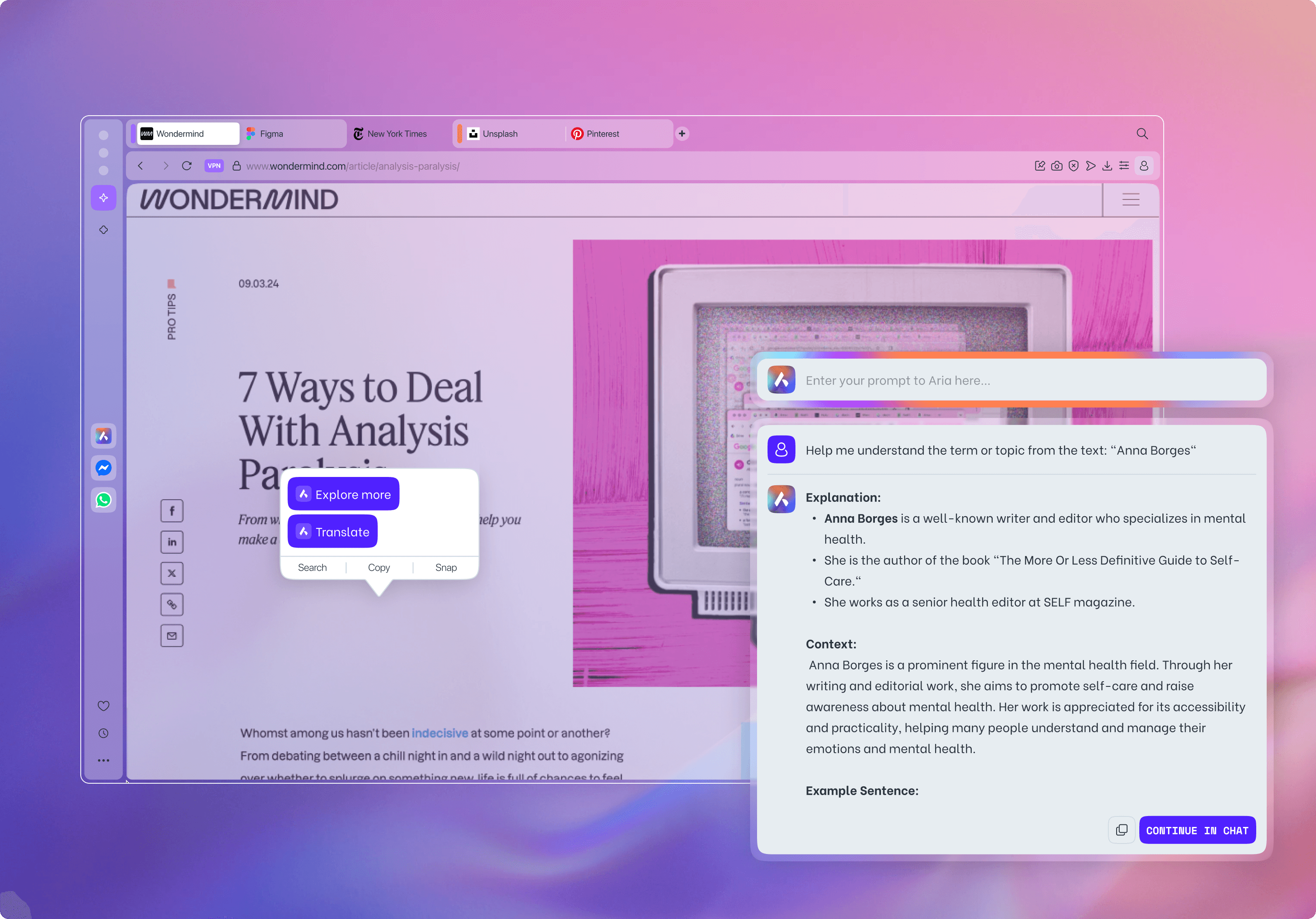
The initial iteration introduced an AI chat integrated into a sidebar, allowing users to easily access it while browsing. However, after testing, it quickly became clear that a command-line interface would be a more effective approach — a faster, more powerful, and “nerd-friendly” way to interact with the AI. This new interface provides instant access during browsing, understands page context, summarizes content, and can even manage open tabs — reorganizing, cleaning up, or grouping them intelligently. To ensure safe use of AI, a new feature has been introduced: "Local Models". With this option, you can use the chat even while offline, and be confident that all your data remains securely on your computer.